Independent guide
AI Ad Manager: What It Is and How to Put One to Work
An AI ad manager plans, launches, monitors and adjusts paid campaigns while a person approves the changes that matter. This guide covers how it differs from native ad managers, what it can do, how to roll it out and how to judge one.
See an AI ads manager in practiceWhat's Inside
How an AI Ad Manager Works
The software does the routine parts; the person keeps the decisions.
Plan and Launch
Give it a brief: product, goal, budget, markets. It drafts structure, audiences and ads for each network and shows a preview before anything goes live.
Monitor Around the Clock
It reads spend, conversions and delivery every few minutes, compares them with the plan and flags whatever drifts: overspend, a silent pixel, a disapproved ad.
Adjust With Approval
When something should change, it proposes the edit with a reason. You accept, reject or amend it. Approved changes go to the account and into a log.
How an AI Ad Manager Differs From a Native Ad Manager
Google Ads and Meta Ads Manager are native ad managers: each runs one network and expects you to operate it by hand. An AI-driven ad manager sits on top of both through their APIs and takes over the routine work.
See an AI ad manager in practice
One Network Each
A native ad manager reports on and edits its own network only. Moving budget between networks means two tabs and a spreadsheet.
One Layer Over Both
The manager connects to both accounts, uses one definition of a conversion and shows both networks in the same view.

Proposals, Not Surprises
Native automation, such as rules or Google's own automated bid strategies, acts on its own. This kind of tool proposes first and waits for a person.
Every Change Logged
Each approved change is recorded with who approved it and why, and can be rolled back.
Capabilities to Compare
Three capabilities where products differ in practice.
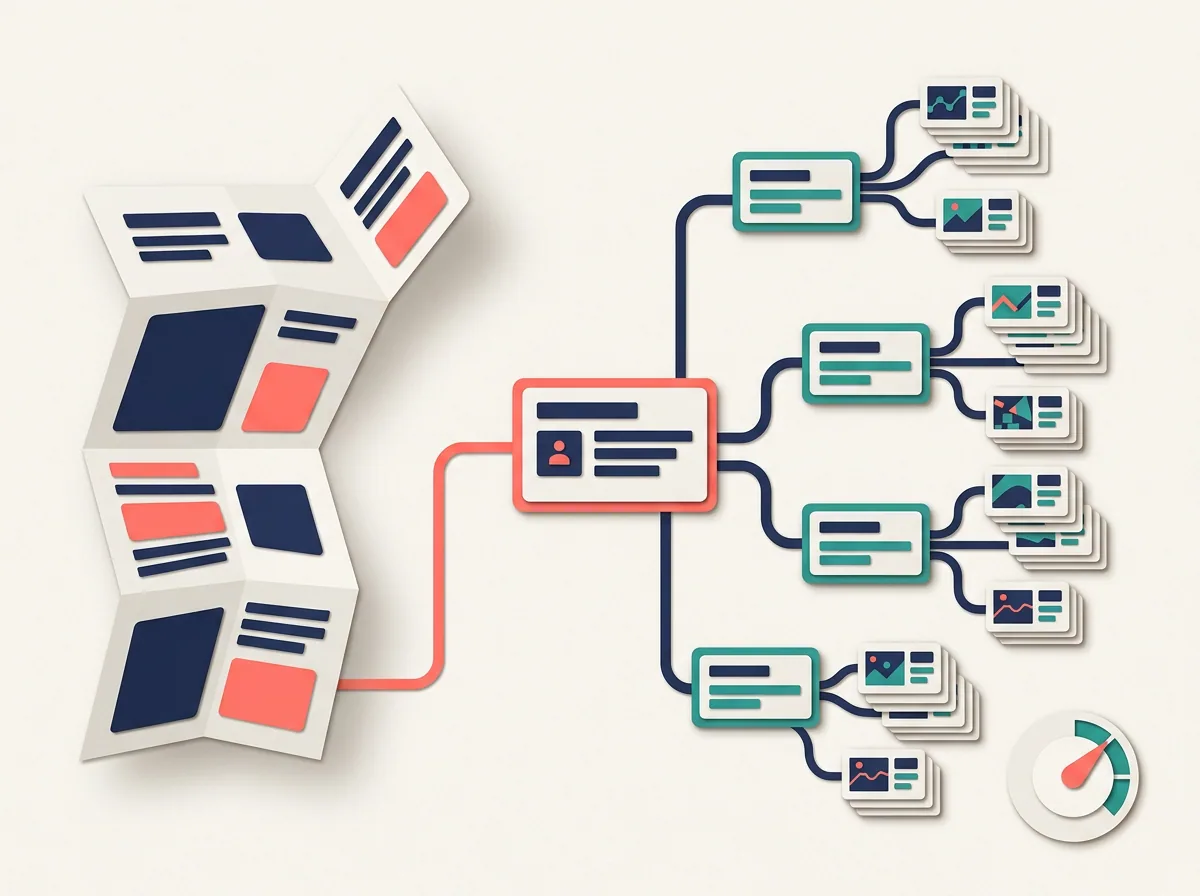
Campaigns From a Brief
Describe the product, goal and budget once. The manager drafts structure, targeting and ad copy for each network and shows the plan before launch.

24/7 Spend and Delivery Watch
Pacing against daily and monthly budgets, delivery checks and cost-per-result trends. Alerts reach you within minutes, not at the weekly review.

Suggested Changes With Reasons
Bid, budget, audience and creative changes arrive as proposals with the data behind them. Accept in one click, or set limits inside which approved workflows run alone.
Field Notes
Illustrative situations, not verified case studies. They show the kind of week this kind of tool changes.
A two-person e-commerce team ran fourteen campaigns across Google and Meta. Weekly budget rebalancing took a morning; with proposals queued for approval it took twenty minutes.
A marketing lead asked the assistant from a phone why cost per lead rose on Tuesday. The answer named the campaign and the audience overlap behind it.
Rolling It Out in Three Stages
A path that keeps the account safe while the software earns trust.
Connect Read-Only
Link Google Ads and Meta with read scope only. Check spend, conversions and structure against the native ad managers before any write scope is granted.
Pilot One Workflow With Approvals
Choose one job, such as budget pacing, and let the manager propose changes for two to four weeks. Approve each one and compare with your manual baseline.
Expand Scope With Guardrails
Move proven workflows to guarded automation with spend caps and change limits. Review the log monthly and widen the scope one workflow at a time.
It Works From Your Phone
Alerts, proposals and the assistant chat fit on a phone screen.
Alerts Where You Are
Overspend, delivery drops and disapprovals arrive as notifications with the campaign named.
Approve in One Tap
Each proposal shows the change, the reason and the expected effect. Accept, reject or defer.
Ask the Assistant
Ask why cost per lead rose yesterday and get an answer drawn from the account, not a guess.


How to Evaluate One
Five checks that settle the choice faster than a feature list.

Networks Covered
Google Ads and Meta, both
Approval Flow
Preview before every change
Change Log
Who, what, why, rollback
Alerting
Minutes, not days
Access Scopes
Read-only to startOperating Levels
Instead of prices, think in terms of how much the software may change on its own.
Observe
Read-only. Dashboards, alerts and assistant answers; no changes to the accounts.
- Cross-network reporting
- Anomaly alerts
- No write access
Recommend and Approve
The manager proposes; a person approves. Approved workflows may then run within set limits.
- Suggested changes with reasons
- One-click accept or reject
- Spend caps and change limits
- Full change log
Automate
Proven workflows run on their own inside guardrails, with a monthly review of the log.
- Scheduled launches and pauses
- Budget shifts between campaigns
- Exceptions wait for a person
What the Manager Handles
 Campaign Launch
 Budget Pacing
 Creative Rotation
 Audience Targeting
 Anomaly Alerts
 Cross-Network Reporting
Frequently Asked Questions
What is an AI ad manager?
+
Does it replace Google Ads or Meta Ads Manager?
+
Is it safe to let an AI ad manager change my account?
+
How is it different from automated rules and smart bidding?
+
How long does a rollout take?
+
Where does AdBid fit among AI ad managers?
+